
Allen Heath SQ Series Video Training Course
Allen & Heath SQ Series Video Training Course
Description
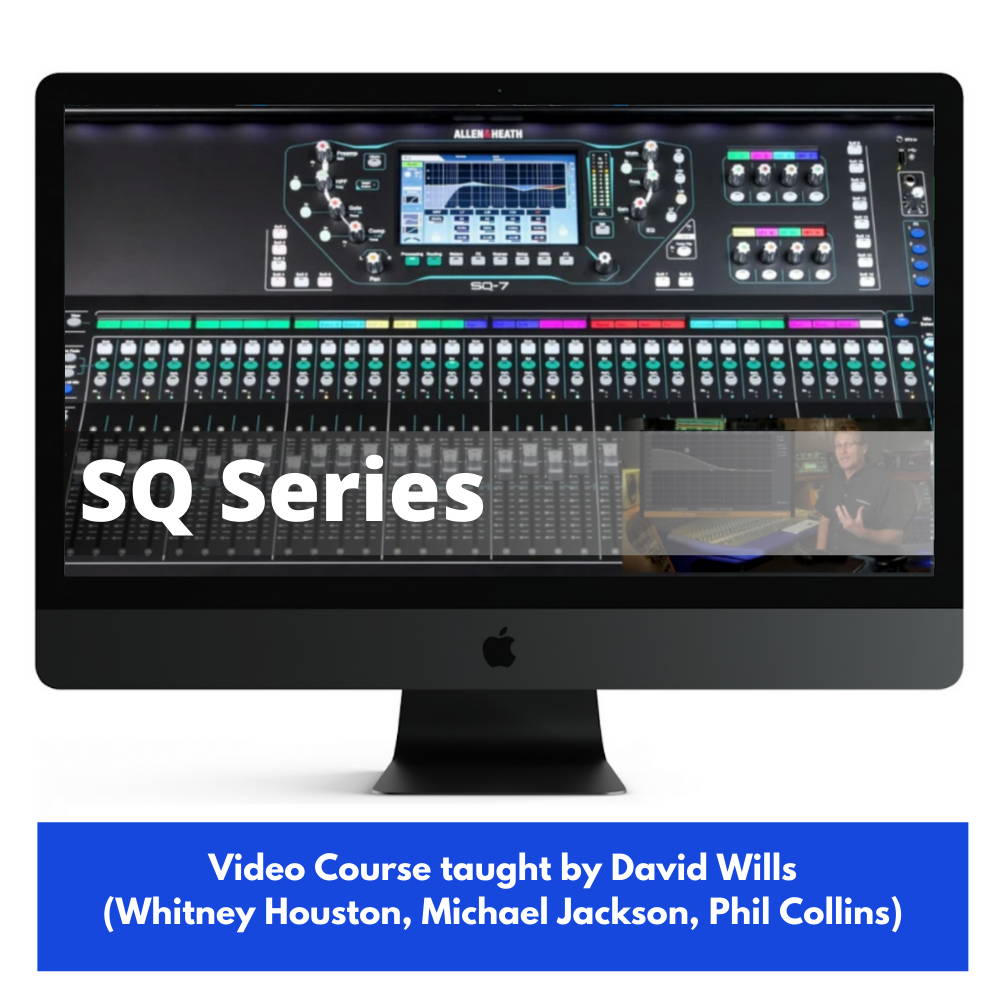
Video Course on the Allen & Heath SQ Series mixing consoles taught by ProAudioEXP.com’s David Wills (Michael Jackson, Whitney Houston, Phil Collins, Diana Ross, Chicago)Learning how to take your new Allen & Heath SQ5, SQ6 or SQ7 to the next level has never been easier thanks to the official Allen & Heath SQ Series Video Tutorial.ProAudioEXP.com's David Wills spends 2.5 hours walking you through every feature of the SQ Series Mixers' workflow from Input Channels to Advance Routing with DCA groups and everything in between. Mixing 101 in the training uses easy to understand animations to teach you how a mixer works and how to use subgroups, EQ, Compression, Effects, Sidechains and Monitor Mixes- everything you'll need to know so you can mix like a pro.If you have been getting frustrated trying to learn your SQ5, SQ6 or SQ7 from just using the manual, then sit down, grab a cup of your favorite beverage and look over the shoulder of a professional audio engineer with 30 years in the business putting your SQ Series Mixer through its paces.INTRODUCTIONDifferences between ModelsOverview of the Front PanelOverview of the Rear PanelUpdating the FirmwareBacking up the Entire MixerRestoring to Factory SettingsMIXING 101What do Mixers Do?What is the Signal Flow?SubgroupsAux SendsEffect RoutingPre-Fader vs. Post-Fader Aux SendsThe Frequency SpectrumEQ TypesDynamics ProcessingEffects TypesINPUT CHANNELSignal FlowPatching Inputs to ChannelsPreamp SettingsNaming ChannelsSetting LevelsUsing the Reset FunctionStereo ChannelsHPF (High Pass Filter)GateInsert Effects4 Band EQCompressorPAFL (Solo)Channel LibraryCopy and PasteResetGanging ChannelsSoft Keys and RotariesROUTINGAux MixesPre vs. Post SendsAssigning Channels to MixesChannel to All MixSubgroupsMatrix MixesDCAsDCAs on Soft RotariesDCA SpillsStrip AssignMute GroupsEFFECTSEffects RoutingSelecting EffectsEffects Return EQGraphic EQsSHOWS/SCENES/LIBRARIESShowsScenesLibrariesWORKFLOWS/TIPS & TRICKSLive WorkflowAssigning Mix OutputsUsing DCAsUsing Ganged ChannelsSetting Custom LayersUsing Mute GroupsRecording to USB KeyUser PermissionsRemotely Controlling your SQ SeriesUsing Personal MonitorsRecording WorkflowRouting to an External RecorderRecording with a DAWUsing MMC (MIDI Machine Control)Using your SQ as a MIDI ControllerAdditional Screen SettingsGRADUATION!
Product Details
| Warranty | 24 month(s) |
×
![]()