Presonus Studio One 5 Video Training Course
Presonus Studio One 5 Video Training Course
Description
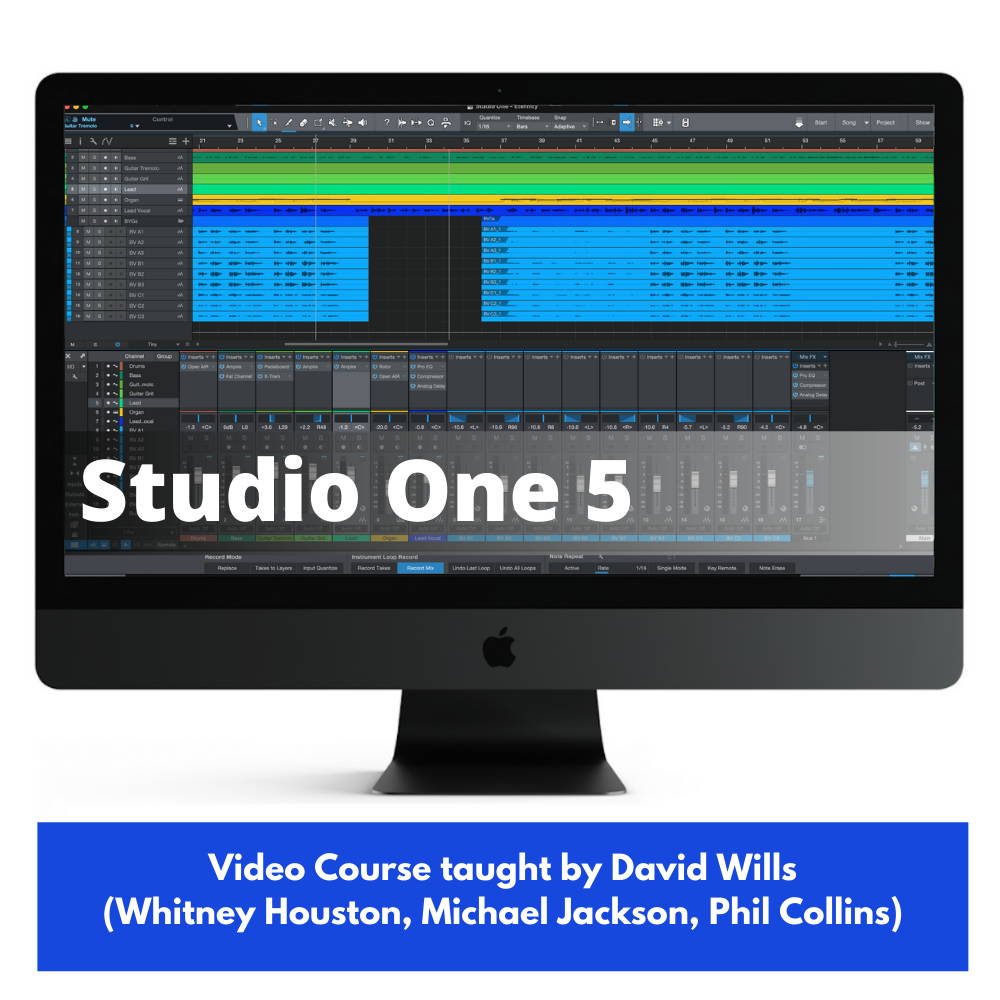
Video Course on the Presonus Studio One DAW taught by ProAudioEXP.com’s David Wills (Michael Jackson, Whitney Houston, Phil Collins, Diana Ross, Chicago)??Learning how to record and produce incredibly professional sounding tracks in PreSonus Studio Live has never been easier thanks to the PreSonus Studio Live 5 Video Tutorial.ProAudioEXP.com's David Wills spends over 4 hours walking you through every feature of PreSonus's Studio Live workflow from setting up your software to work with your audio interface and MIDI controllers to creating radio-ready mixes and everything in between. DAWs 101 is a module in the training that uses easy to understand animations to teach you how a DAW works and how to use subgroups, EQ, Compression, Effects, Automation...everything you'll need to know so you can produce incredibly professional sounding tracks in Studio One.If you have been getting frustrated trying to learn Studio One from just using the 500 page manual, then sit down, grab a cup of your favorite beverage and look over the shoulder of a professional audio engineer with 30 years in the business putting Studio One through its paces.INTRODUCTIONWelcomeDifferences between Studio One VersionsOverviewSong/Project/ShowTypes of TracksTrack ListInspectorBrowserHelp SystemToolbarMixerEditorDAWs 101What is a DAW?What do DAWs do?Do they replace a Recording Studio?Types of TracksMIDI TracksAudio TracksTypes of EditingMixersEffects RoutingAutomationMixing DownSETTING UPAudio Interface SettingsNaming InputsLatencyMIDI Controller SetupKeyboard ShortcutsRecording File TypesRECORDINGCreating a new SongCreating a new TrackTypes of TracksProject TemplatesSetting your InputRecording LevelsRecording an Audio TrackRecord ModeLoop RecordingRecording Comped TracksUsing InstrumentsSelecting PatchesExternal InstrumentsRecording MIDI TracksStep RecordingRetrospective RecordingRecord QuantizeChase MIDI NotesInstrument Loop RecordTakes/Tracks and LayersVariations?Track FoldersPunching InNote EraseNote FXArpeggiatorChorderInput FilterRepeaterNote RepeatUsing LoopsUsing ImpactRecording Drums ManuallyRecording PatternsReview of Recording WorkflowUsing Remote App for RecordingEDITINGOverview of EditingUsing MarkersHandy Keyboard ShortcutsSetting up Transport ShortcutsUsing ArrangementsUsing Scratch PadsUsing ChordsEditing Tempo and Time SignaturesInsert SilenceComped Tracks EditingEditing ToolsSlicing AudioStrip Silence from Audio RegionAudio BendPitch Editing with MelodyneQuantizingGroove TracksEditing MIDI TracksAdjusting VelocityConverting MIDI to AudioConverting Audio to MIDISaving Tracks/Mixer Settings to Browser>FilesMIXINGSetting up Audio Interface for MixingMixer OverviewGrouping ChannelsTemp GroupingAux SendsUsing PluginsEditing PluginsTransform or Freezing TracksUsing FX Chains to pre populate MixerUsing Remote App for MixingAutomating your MixPROJECTS & SHOWSCreating a New ProjectAdding Songs to a ProjectEditing SongsCreating FadeoutAdding Mastering EffectsSetting LoudnessMetadataBatch Exporting SongsCreating ShowsCreating Setlists and PlayersCustomizing the Show ScreenGraduation!
Product Details
| Warranty | 24 month(s) |
×
![]()