
Zoom R24/R8 Video Training Course
Zoom R24 R8 Video Training Course
Description
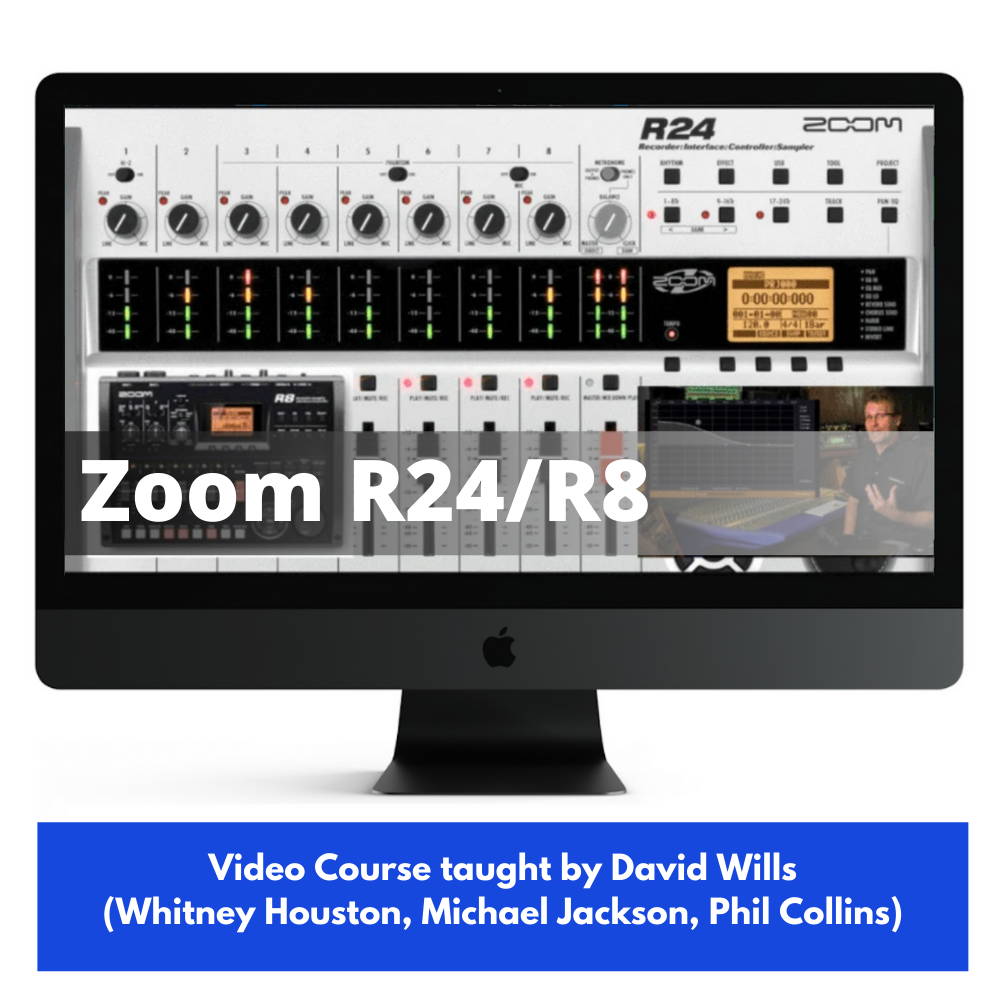
Video Course on the Zoom R24 and R8 Multitrack Recorders taught by ProAudioEXP.com’s David Wills (Michael Jackson, Whitney Houston, Phil Collins, Diana Ross, Chicago)Learning how to take your new Zoom R24 or R8 to the next level has never been easier thanks to the official Zoom R24 / R8 Combo Video Course.Zoom took the incredibly successful R16 and turbocharged it with world class production tools like a drum machine and sampler...and added 8 more tracks too! With 24 tracks and 8 track simultaneous record, this may be the only piece of recording gear you need.Not only is it a rock solid stand alone multitrack recorder, it's also a 24 bit 96K high quality I/O audio interface and control surface so you can remotely start/stop and control your faders on your favorite audio application like the included Cubase Le.Zoom also recently released the R8, the little brother to the R24. This DVD covers the operation of both models.This comprehensive training course taught by David Wills (Michael Jackson, Whitney Houston, Phil Collins and Diana Ross) goes over every detail of your new Zoom R24 and R8 with over 2 and a half hours of up close personal instruction.Take your recording skills to the next level and pick up the official Zoom R24 / R8 video course today!SPECIAL NOTES SECTION ON THE R8INTRODUCTIONWelcomeFeaturesFront Panel OverviewConnectionsYOUR FIRST RECORDINGWhat is Multitracking?Creating a SongAssigning InputsSetting LevelsRecording to a Rhythm GuideRecording an Acoustic GuitarOverdubbingOverdubbing a Bass GuitarOverdubbing a VocalPlayback and MixingPunch InsPerform a PunchUsing Insert EffectsUnderstanding TakesLocate PointsRepeat FunctionBouncingUndoSAMPLER RHYTHM FUNCTIONSOverviewPlaying Rhythm PatternsRecording Rhythm PatternsSamplingAssigning Patterns/LoopsMIXINGMixing OveriewMute functionEQLoop effectEffect sendsMixing down your SongMasteringUSB FUNCTIONSConnecting a ComputerUsing as an I/OUsing as a Control SurfaceImporting/Exporting TracksGRADUATIONAdditional Screens/Functions
Product Details
| Warranty | 24 month(s) |
×
![]()